.png?width=200&height=87&name=simple-solutions-logo-1%20(1).png)
Google Connect – Students Take a Quiz: 2025–26 School Year
-
Assign a quiz for students following these directions: Assign a Quiz
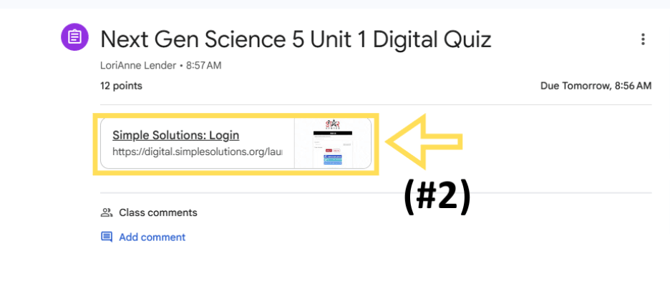
- Students log into their Google Classroom account and access the Simple Solutions quiz from either their “Stream” or “Classwork” page. Students will click on the link in the assignment.
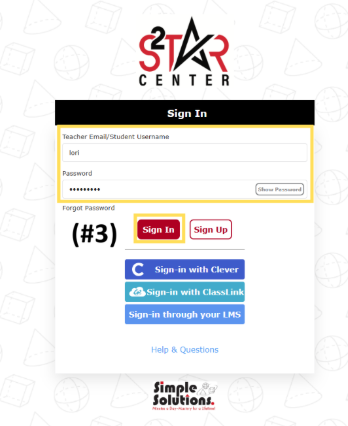
- Students will either be automatically signed into Simple Solutions through their SSO or use their username and password to sign in.
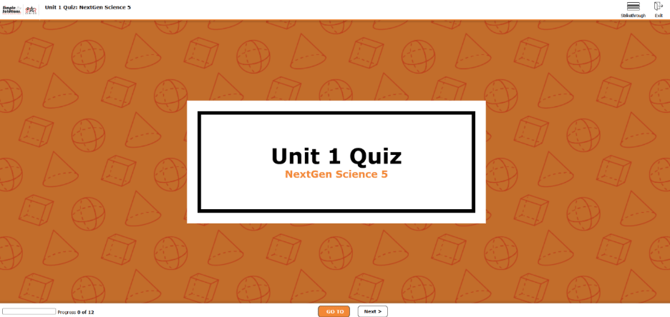
- Students will be taken directly to the quiz to complete and submit.