.png?width=200&height=87&name=simple-solutions-logo-1%20(1).png)
Once you have accessed the S²TAR Center from your SSO dashboard, follow the steps below to get started.
Adding a Simple Solutions Book:
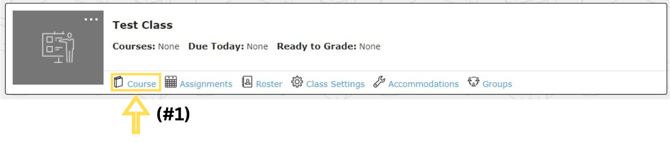
- From your dashboard, click "Course" underneath your newly created class.
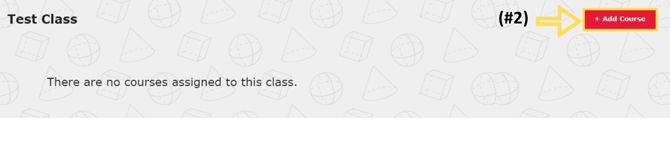
- Click on "+ Add Course."
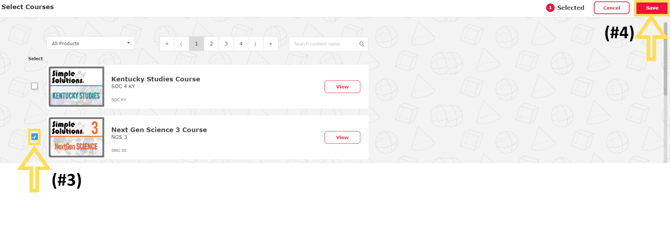
- Click the checkbox on the left-hand side of the book you would like to add to the course.
- Click "Save" at the top right of the screen.