.png?width=200&height=87&name=simple-solutions-logo-1%20(1).png)
- From your dashboard, click “Assignments” in the upper-right corner.

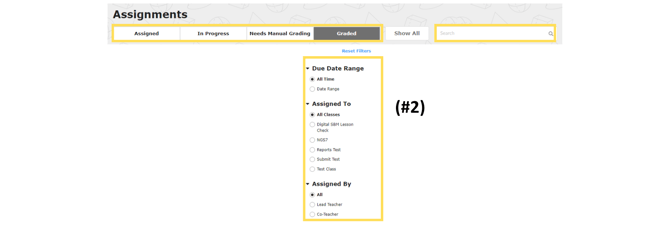
- Use the search bar, filters, and tabs to find the correct assignment. See “How to Search and Filter Assignments” if you need help with this step.
- Click “View” to display the assignment to students on your interactive whiteboard.

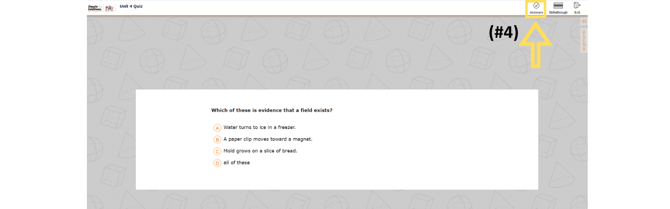
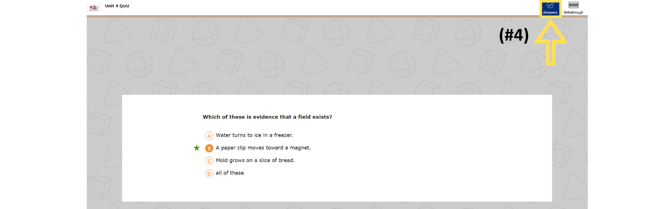
- In the toolbar, select “Answers” to show the correct answer to students. This tool can be toggled on and off as you navigate through the assignment.